
Technology & Guides
Why NetSpeedPro is the Ultimate & Most Accurate Speed Test Platform
In an interconnected world where internet stability is critical for work, gaming, and communication, traditional speed test tools often fail to present the complete truth about your connection quality. This is where NetSpeedPro establishes itself as the next-generation benchmark for internet performance analysis.
1. Real Loaded Latency & Bufferbloat Detection
Conventional speed tests typically measure "Idle Ping" when the network is completely relaxed. While this looks good on paper, it does not represent real-world gaming, streaming, or video conference demands. When multiple devices download or stream simultaneously, routers often experience Bufferbloat, causing massive latency spikes.
NetSpeedPro actively probes and measures real-time loaded latency during both download and upload phases, exposing bufferbloat and packet loss with millisecond precision.
2. Lightweight, Clean & Privacy-First Architecture
Unlike bloated platforms filled with intrusive advertising banners and tracking scripts that consume CPU and skew test results, NetSpeedPro is crafted with modern engineering standards. It delivers instant, high-fidelity metrics with zero bloat and total user privacy.
3. Native Global Services & Outage Health Probes
Wondering if your internet is down or if a specific platform is having an outage? NetSpeedPro features a built-in real-time services monitor that conducts direct TLS/TCP latency probes to 16+ leading global platforms including YouTube, WhatsApp, Cloudflare CDN, Xbox Live, Steam, and Netflix.
4. Multi-Stream & Single-Stream Versatility
Switch seamlessly between Multi-Stream mode to test maximum bandwidth throughput and Single-Stream mode to gauge single-server real-world application performance.
Conclusion
For competitive gamers, remote professionals, and everyday users demanding accurate verification of their ISP performance, NetSpeedPro delivers an unmatched, transparent, and state-of-the-art testing experience.
Internet
Types of Fiber Optic Cables: Single-Mode vs. Multi-Mode Explained
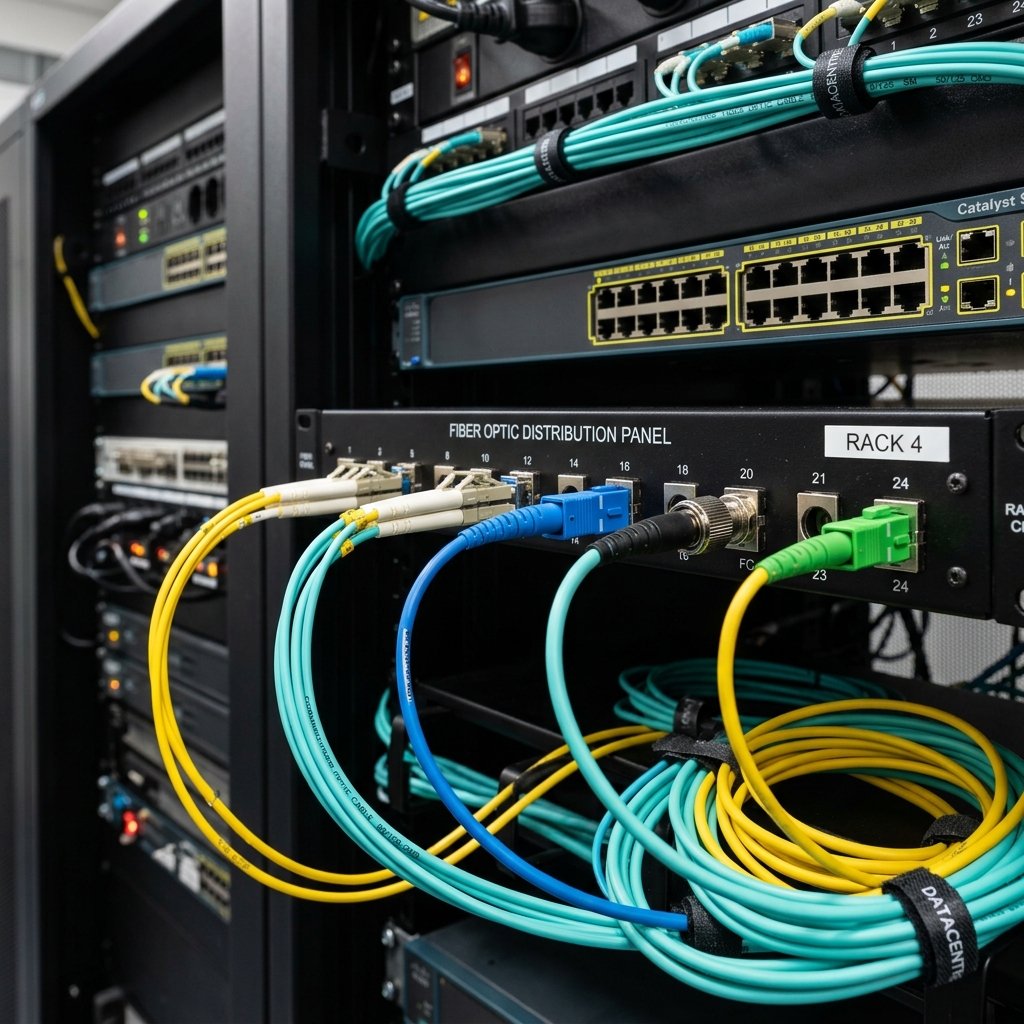
IntroductionFiber optic cables are the backbone of today's high-speed global internet. These cables are categorized into two primary types: Single-Mode (SMF) and Multi-Mode (MMF). Let's explore the core differences.Single-Mode Fiber (SMF)Single-mode fiber features a tiny glass core (around 9 microns in diameter) that allows only a single pathway of light (laser beam) to propagate. This minimizes signal attenuation and reflections over long distances.Usage: Best suited for long-distance telecommunications, transoceanic cables, and connecting cities over dozens of kilometers.Multi-Mode Fiber (MMF)Multi-mode fiber has a larger core (typically 50 or 62.5 microns) that permits multiple paths of light (LED source) to travel simultaneously. While highly effective, it suffers from modal dispersion over long distances.Usage: Primarily used for short-range deployments (under 2 km) such as local enterprise networks, office buildings, and data centers.Summary Comparison:Distance Limit: Single-mode handles distances up to 40km+, while multi-mode is optimized for short runs under 2km.Light Source: Single-mode uses Lasers, whereas multi-mode relies on cost-efficient LEDs.Cost: Single-mode cables are cheap but laser equipment is pricey. Multi-mode systems are much more cost-effective for short-range building setups.
Technology
The Ultimate Guide to GBIC and SFP Transceiver Modules: What is the Difference?
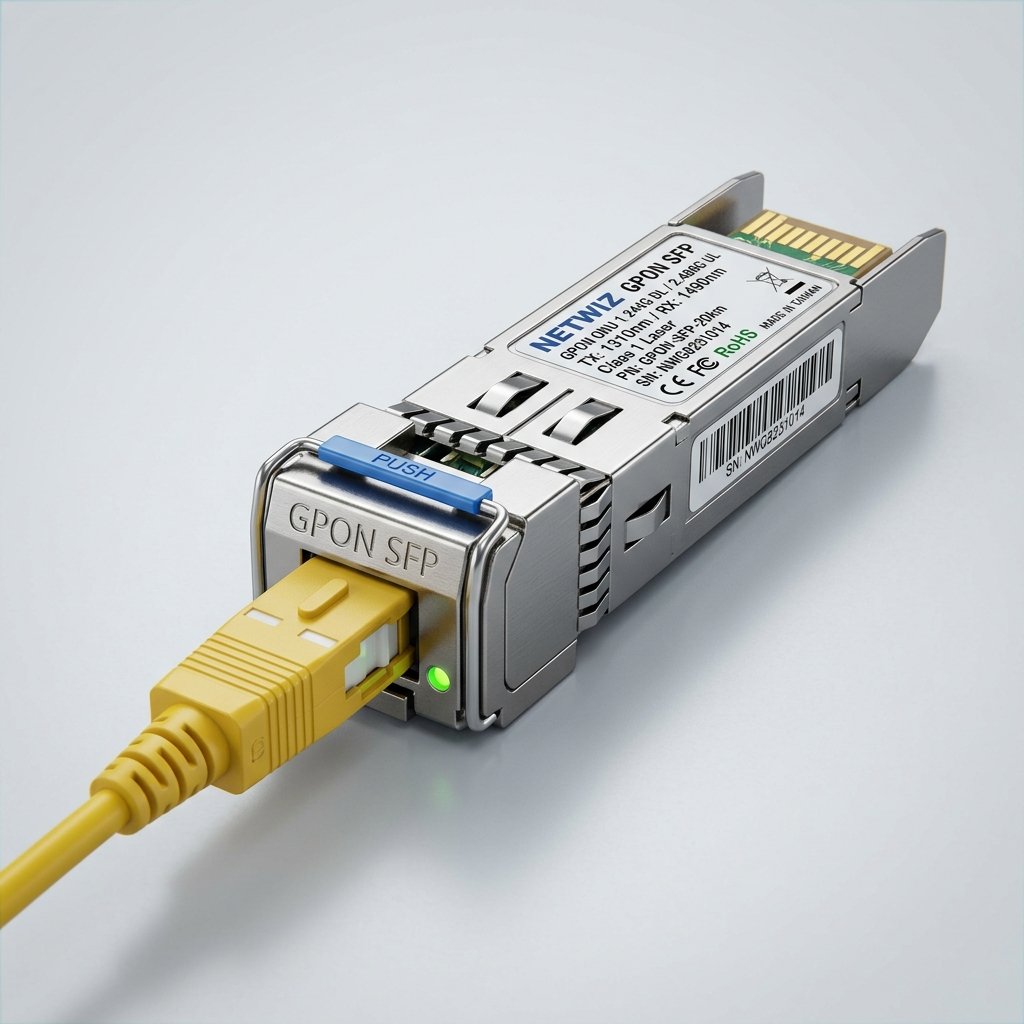
IntroductionIn high-speed networking, transceiver modules such as GBIC and SFP are vital components used to interface network switches with fiber optic cabling. Let's explore what these modules are and the key differences between them.What is a GBIC Module?GBIC stands for Gigabit Interface Converter. Developed in the 1990s, it is a hot-swappable transceiver standard that allows gigabit transmission over fiber or copper. GBIC modules are relatively bulky compared to modern standards.What is an SFP (Mini-GBIC) Module?SFP stands for Small Form-factor Pluggable. Often referred to as Mini-GBIC, it performs the exact same function as GBIC but in a much smaller physical size, allowing network hardware to offer higher port density.Key Differences:Size and Dimensions: GBIC is significantly larger, while SFP is compact, enabling double the port density on standard switches.Speed Evolution: SFP technology evolved into newer standards like SFP+ (supporting 10 Gbps) and SFP28 (25 Gbps), whereas GBIC is obsolete and limited to 1 Gbps.Usage: Modern networking equipment exclusively uses SFP/SFP+ slots due to size efficiency and lower power consumption.

Guides
How to Protect Yourself from AI-Powered Phishing Attacks
IntroductionCybercriminals are now leveraging generative AI tools to write highly professional phishing emails that are completely free of the typos and grammatical errors that used to give them away. Here is how you can defend yourself against these advanced threats.
What is AI-Powered Phishing?
Using large language models, attackers can generate thousands of uniquely personalized emails tailored to each target using public social media data. This makes the emails look authentically sent by your employer, bank, or delivery service.
Key Cybersecurity Tips:
Enable Multi-Factor Authentication (MFA): Always use authenticator apps (like Google Authenticator) rather than SMS, which can be hijacked.
Avoid Direct Links: If you receive an urgent alert from your bank or a service provider, do not click the link inside. Type the official URL manually into your browser.
Inspect the Sender Domain: Attackers often use lookalike domains (typosquatting), changing just one letter (e.g., paypa1.com instead of paypal.com).
Use Smart Security Tools: Utilize modern browsers and antivirus software that incorporate AI-based threat intelligence to block malicious URLs.

Internet
Everything You Need to Know About 6G: Release Date and Expected Speeds
IntroductionWhile the world is still heavily adopting 5G networks, the global telecommunications industry is already establishing standards and testing technologies for the sixth generation (6G) of wireless communications. What will this revolutionary tech bring?
Unbelievable Speeds and Near-Zero Latency
6G networks are projected to offer astonishing peak data rates of up to 1 Terabit per second (Tbps)—roughly 100 times faster than the maximum theoretical speed of 5G. Latency is expected to drop below one microsecond, enabling real-time instantaneous responses across vast distances.
New Horizons: Holograms and Digital Twins
The massive bandwidth of 6G will support real-time, high-fidelity 3D holographic communications and the creation of "digital twins" of entire cities, factories, and even human organs, alongside boosting remote surgeries and fully autonomous robotics.
When Will 6G Be Commercially Available?
Current roadmaps and industry consensus point to the first commercial rollouts of 6G around 2030, with large-scale field trials and official standardization occurring in the late 2020s.

Technology
Internet of Things (IoT) and the Next Generation of Smart Homes in 2026
IntroductionSmart homes are no longer just a luxury for controlling lights or playing music with voice commands. In 2026, thanks to the rapid evolution of the Internet of Things (IoT) and 5G/early 6G networks, smart homes have become fully integrated environments that rely on proactive AI to optimize energy usage and ensure absolute security.
How AI and IoT Are Transforming Our Homes
Household appliances are shifting from reacting to commands to predicting needs. For example, smart HVAC systems now analyze your daily routines and weather forecasts to adjust temperatures automatically in advance, cutting energy bills by up to 30%.
Security and Privacy in the IoT Era
As the number of connected devices in a home increases, cybersecurity becomes paramount. Modern smart home ecosystems leverage advanced encryption protocols like Matter and blockchain technology to secure data transfers and protect cameras and sensors from external breaches.
Conclusion
The modern smart home is not just about Wi-Fi-connected gadgets; it is an intelligent, automated ecosystem working in the background to make your life more comfortable, secure, and sustainable.
General
The future of the internet: What is 6G technology and what can we expect from it?
While the world is still adapting to 5G technology, scientists and engineers have already begun outlining the features of 6G. What could this next generation offer? 6G is expected to be 100 times faster than 5G, with near-zero latency. We're talking about speeds of up to 1 terabit per second. This will allow us to download hundreds of high-definition movies in a single second. But it's not just about speed; 6G will make the "tactile internet" a reality, enabling us to transmit sensations and touch across the network. It will also support high-resolution holograms in communications and connect billions of smart devices with pinpoint accuracy, paving the way for artificial intelligence integrated into every aspect of our lives. Predictions suggest we'll see the first commercial 6G networks by 2030.
Guides
Tips for Choosing the Best Internet Service Provider (ISP) in Your Area
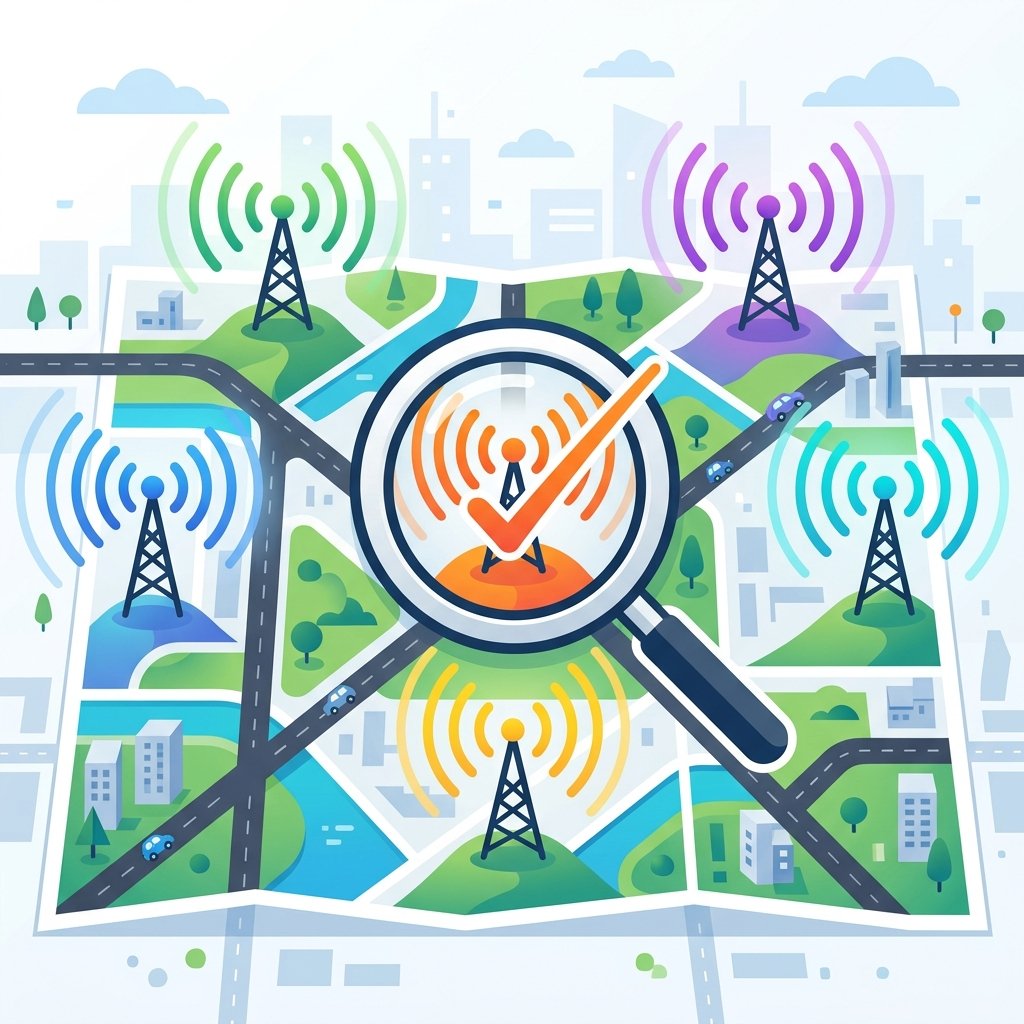
Choosing an ISP affects your daily life, work, and entertainment. Don't just follow flashy ads; look for facts.\n\nThe most important factor is the available technology. Fiber (FTTH) is king, followed by VDSL, then old ADSL. Ask neighbors in your building about their experience, as quality varies by local infrastructure.\n\nCheck the "Fair Usage Policy"; some companies offer high speeds that drop sharply after a certain data limit. Don't forget technical support quality. Price is important, but stability is the priority in the internet world.

Maintenance
The Importance of Regularly Updating Your Router Firmware
We update our phones and apps but often forget the device that connects us to the world: the router. Updating your router firmware is as important as updating Windows.\n\nManufacturers release updates for three reasons: closing security holes, fixing bugs that cause disconnections, and adding new features or improving Wi-Fi stability.\n\nMost modern routers have an "Auto-Update" option. If yours doesn't, check the manufacturer's site for the latest version. This simple step can increase speed and protect you from silent hacking attempts.
Security
How to Detect Connected Devices and Prevent Hacking
Noticing unexplained slowness? A neighbor might be using your network, or malware might be stealing data. Protecting your home network starts with awareness.\n\nUse apps like Fing or log into your router (often 192.168.1.1) to see connected devices. If you see a stranger, change your Wi-Fi password immediately and use WPA2-AES or WPA3 encryption.\n\nExtra tip: Disable WPS as it's a known security hole. You can also enable MAC Filtering to allow only your specific devices. Your network security is the security of your personal data and bank accounts.
Analysis
Fast.com vs Speedtest.net - Which One is More Accurate?
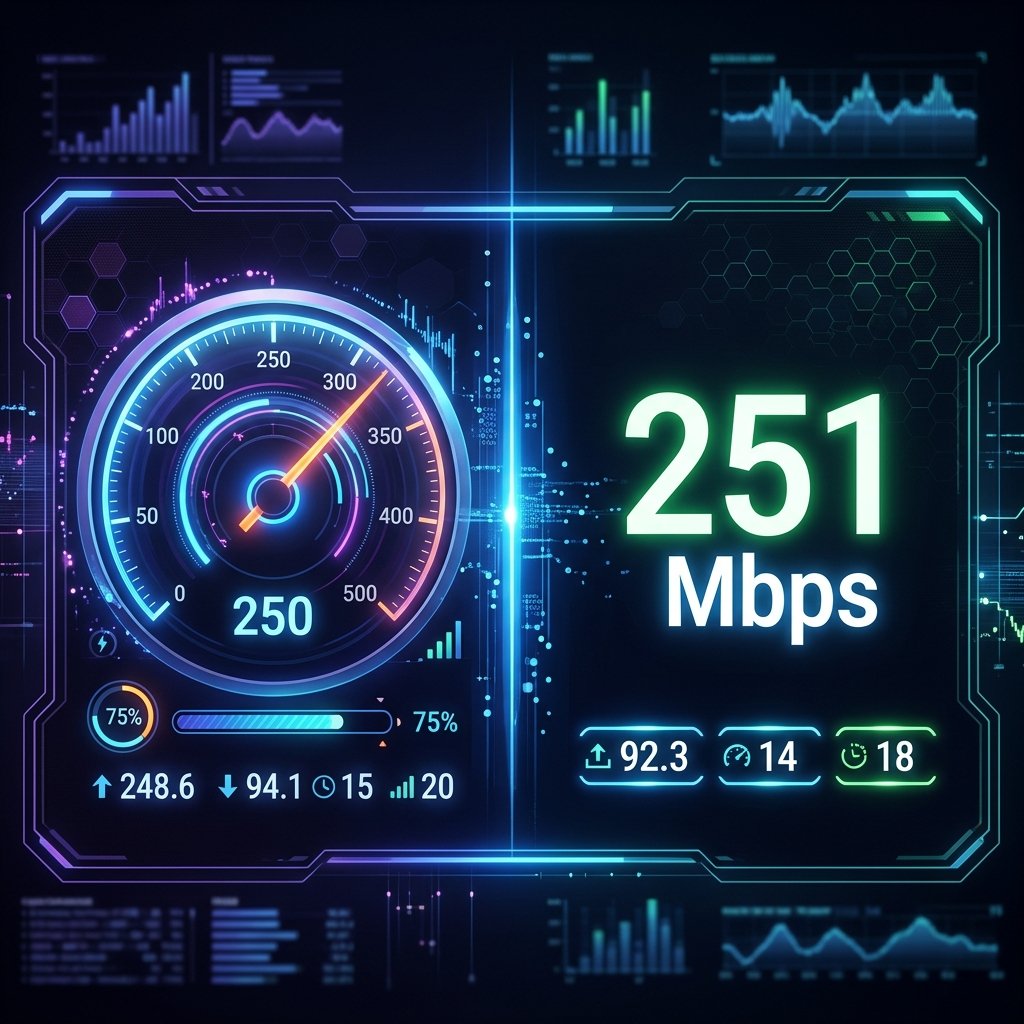
When we want to test speed, we usually go to Speedtest or Fast.com. But did you know they measure speed differently for different purposes?\n\nSpeedtest.net (by Ookla) is the industry standard. It picks a server very close to you (often within your ISP network) to measure the maximum capacity of your line. It's great for testing your physical connection quality.\n\nFast.com (by Netflix) uses Netflix's own servers. Its goal is to show your real speed for video consumption. Why? Some ISPs might give high speeds on Speedtest but "throttle" speeds on video sites. If Fast.com is much lower than Speedtest, your ISP might be limiting your video bandwidth.\n\nSummary: Use Speedtest to check your line health, and Fast.com for real-world browsing and streaming quality.
Infrastructure
What is Fiber Optic Internet and How is it Changing the Game?
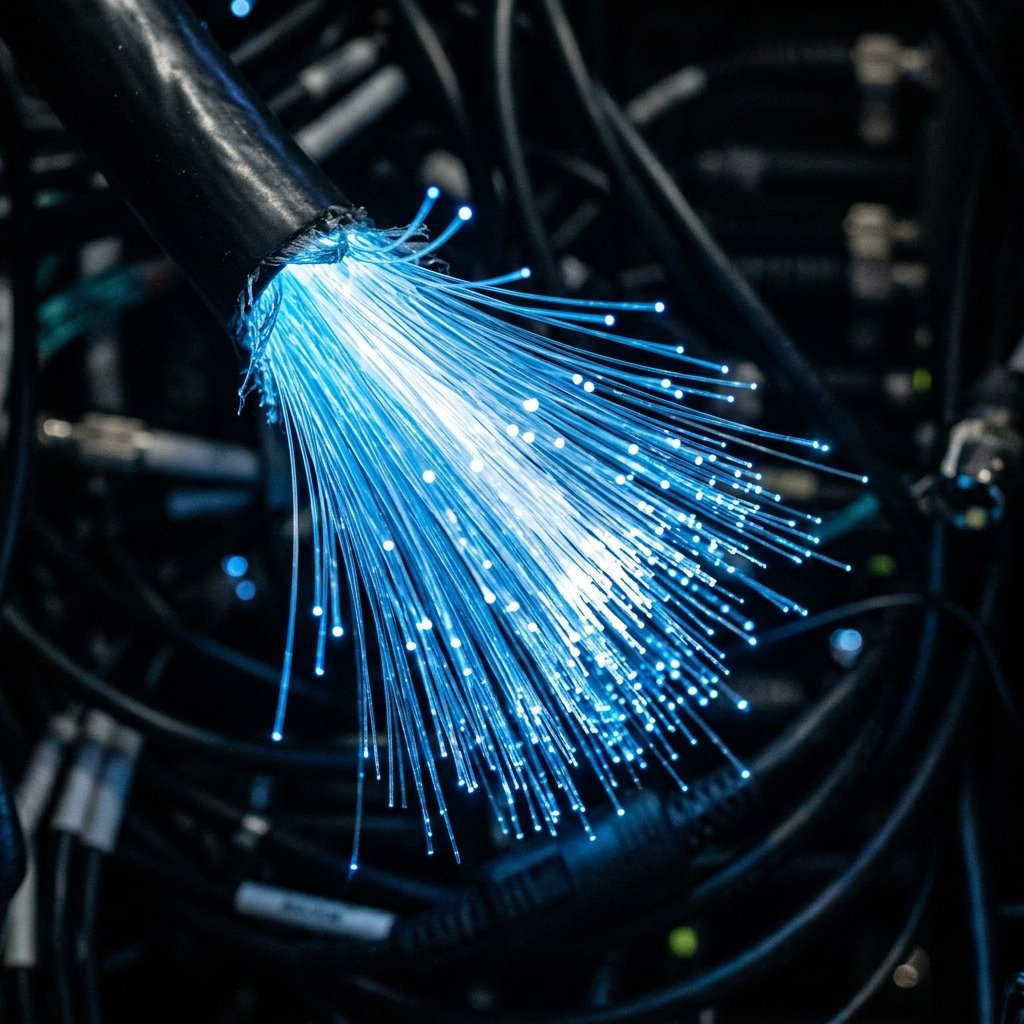
The world has moved from old copper wires to the fiber optic era. Fiber optics use thin glass strands to transmit data using light instead of electrical pulses.\n\nThis means massive speeds up to 1 Gbps and beyond with unmatched stability. Fiber isn't affected by weather or electrical interference, and signal loss over long distances is negligible compared to ADSL.\n\nFor home users, it means 4K streaming without buffering, downloading huge files in seconds, and very low ping. It's not just a speed upgrade; it's infrastructure for the future, supporting smart cities and VR. If available, it's the best investment for your connection.

Gaming
The Impact of Ping on Your Online Gaming Experience
In online gaming, download speed matters less than "Ping" or latency. What is Ping and why is it a gamer's nightmare?\n\nPing is the time it takes for data to travel from your device to the game server and back, measured in milliseconds (ms). High ping causes "Lag," where your character responds late, ruining the experience.\n\nFactors affecting ping include connection type (Fiber is best), geographic distance to the server, and home network load. To reduce ping, use a LAN cable, choose close servers (like Europe or Middle East), and stop high-def streams or downloads while playing.\n\nConsistent low ping is the key to winning in competitive gaming.

Tips
How to Improve Your Home Wi-Fi Speed with Simple Tips
Wi-Fi is a great convenience but also a source of frustration when it slows down. Here are golden tips to boost your signal without spending extra money.\n\nFirst: Location is everything. Place your router in a central, open area away from thick walls. Elevation helps too; a high shelf is better than the floor. Second: Keep the router away from other electronics like microwaves or cordless phones that operate on the same 2.4 GHz frequency.\n\nThird: Change the Channel in settings. If neighbors use the same channel, it creates congestion. Use apps like Wifi Analyzer to find a clear channel. Fourth: Use the 5 GHz band if supported for nearby devices as it offers higher speeds and less interference.\n\nFifth: Regularly update your router firmware and reboot it weekly to clear cache and improve performance.
Education
Difference Between Mbps and MBps - A Guide to Decoding Speed
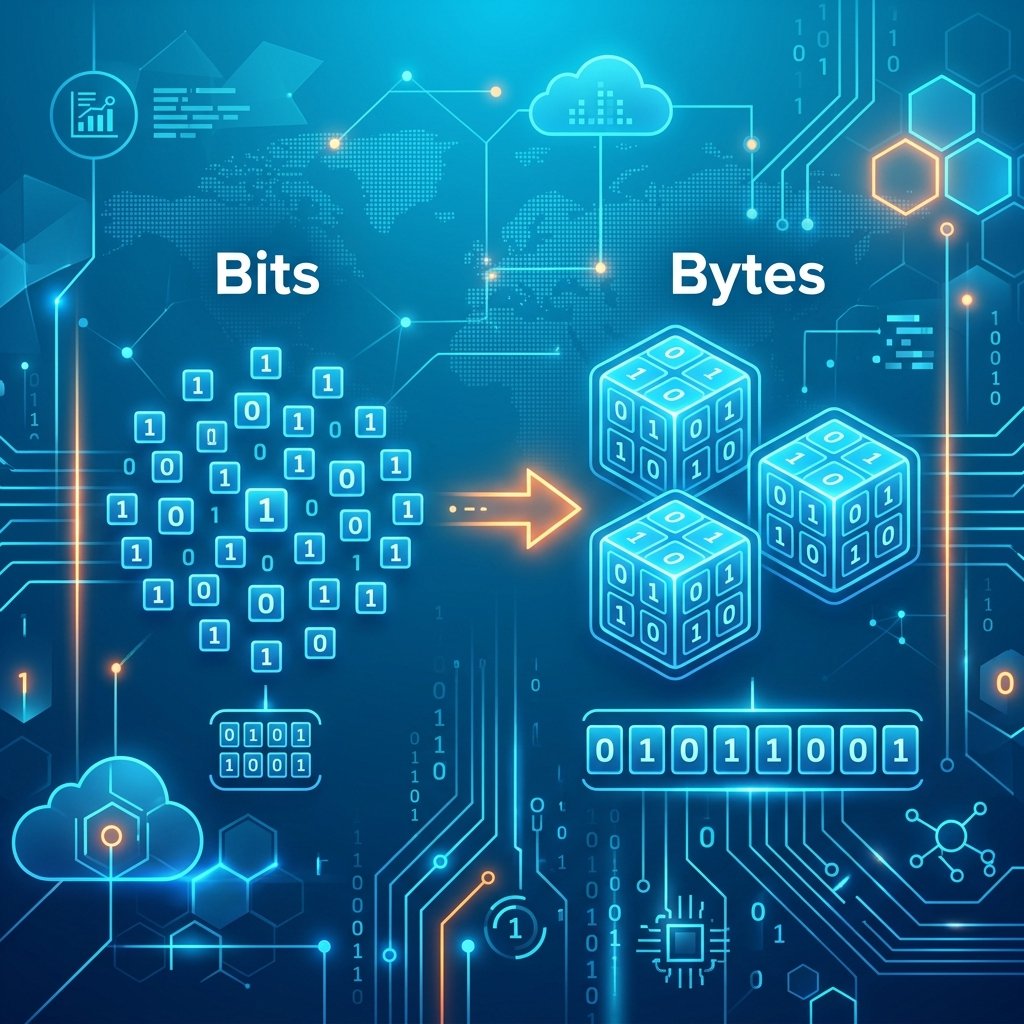
One of the most confusing things for users is the difference between small "b" and capital "B" in speed measurements. You might buy a 100 Mega plan but see only 12.5 Mega when downloading.\n\nThe secret is in the units: Mbps stands for Mega-bits per second, while MBps stands for Mega-Bytes per second. There are 8 bits in 1 Byte.\n\nISPs advertise in "bits" because the numbers look larger and more attractive. Download managers show speed in "Bytes" because that's how file sizes are measured on your device.\n\nTo convert Mbps to MBps, simply divide by 8. An 80 Mbps speed is actually 10 MBps during a download. Understanding this will help you estimate real download times accurately.
Analysis
Why Do Speed Test Results Vary Between Different Sites?
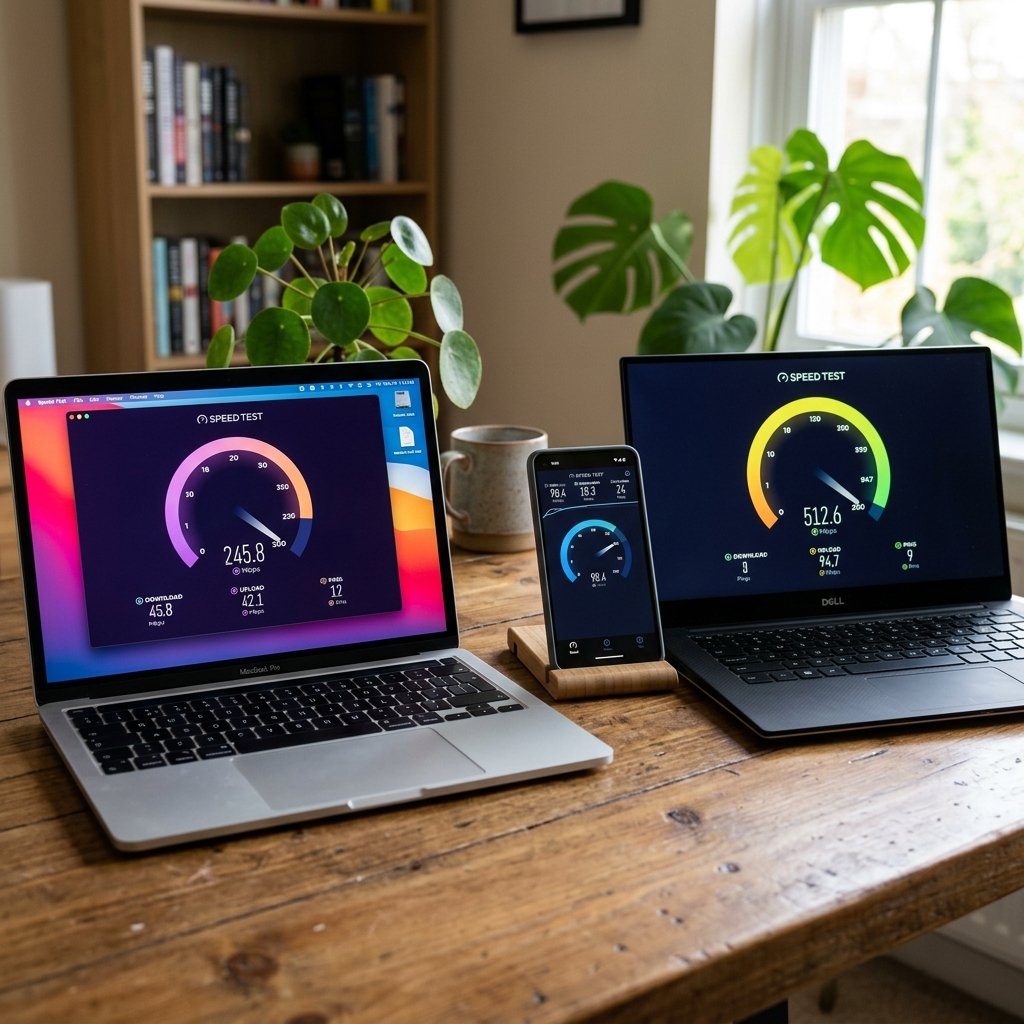
Have you ever tested your speed on two different sites and got varying results? This is common and has logical technical reasons. Speed isn't a fixed number; it varies based on the data path.\n\nThe main reason is the Server Location. If site A uses a server near you, you'll get higher speeds. If site B uses a server on another continent, speeds will naturally be lower due to the distance. \n\nAnother reason is the testing technology. Some sites use large data packets, while others use multiple small ones to simulate real browsing. Server congestion also plays a part; popular sites might experience heavy loads that affect accuracy at certain moments.\n\nRouting chosen by your ISP also matters. The path to one server might be more stable than another. We recommend using sites that allow manual server selection or have a vast global network.

Guides
Best Ways to Test Your Internet Speed Accurately
Many of us feel the internet is slow, but how can we verify it scientifically? Testing your speed isn't just about clicking a button; it requires specific steps to ensure accuracy.\n\nFirst, always test using an Ethernet cable rather than Wi-Fi, as Wi-Fi is prone to interference and physical obstacles like walls. Second, close all background apps that consume data, such as automatic updates or video streaming, to ensure full bandwidth is available for the test.\n\nThird, run tests at different times of the day. Network congestion in your area might peak in the evening. Use reliable sites like NetSpeedPro or Speedtest for accurate readings including Download, Upload, and Ping.\n\nRemember that results can vary between devices and browsers, so following these tips will help you discover the truth about your connection.
Technology
What is the Internet and How Does It Work? A Comprehensive Guide
The internet is the backbone of modern life, driving everything from social media to large-scale enterprise management. But have you ever wondered how this complex system actually works?\n\nSimply put, the internet is a global network of computers connected via undersea cables, fiber optics, and satellites. When you open a website, your device sends a request via Internet Protocol (IP) to a server located somewhere in the world. This server processes the request and sends the data back to you in small chunks called "packets."\n\nThe speed of this data depends on several factors, including cable quality, distance, and the connection technology used. The internet isn't just "Wi-Fi"; it's a massive physical infrastructure connecting continents at lightning speed. In this article, we explore protocols like TCP/IP and DNS and how they ensure you get the right information quickly.\n\nUnderstanding these basics is essential as the internet continues to evolve into faster and smarter technologies.