History
Latest Articles
View More
Why NetSpeedPro is the Ultimate & Most Accurate Speed Test Platform
In an interconnected world where internet stability is critical for work, gaming, and communication,...
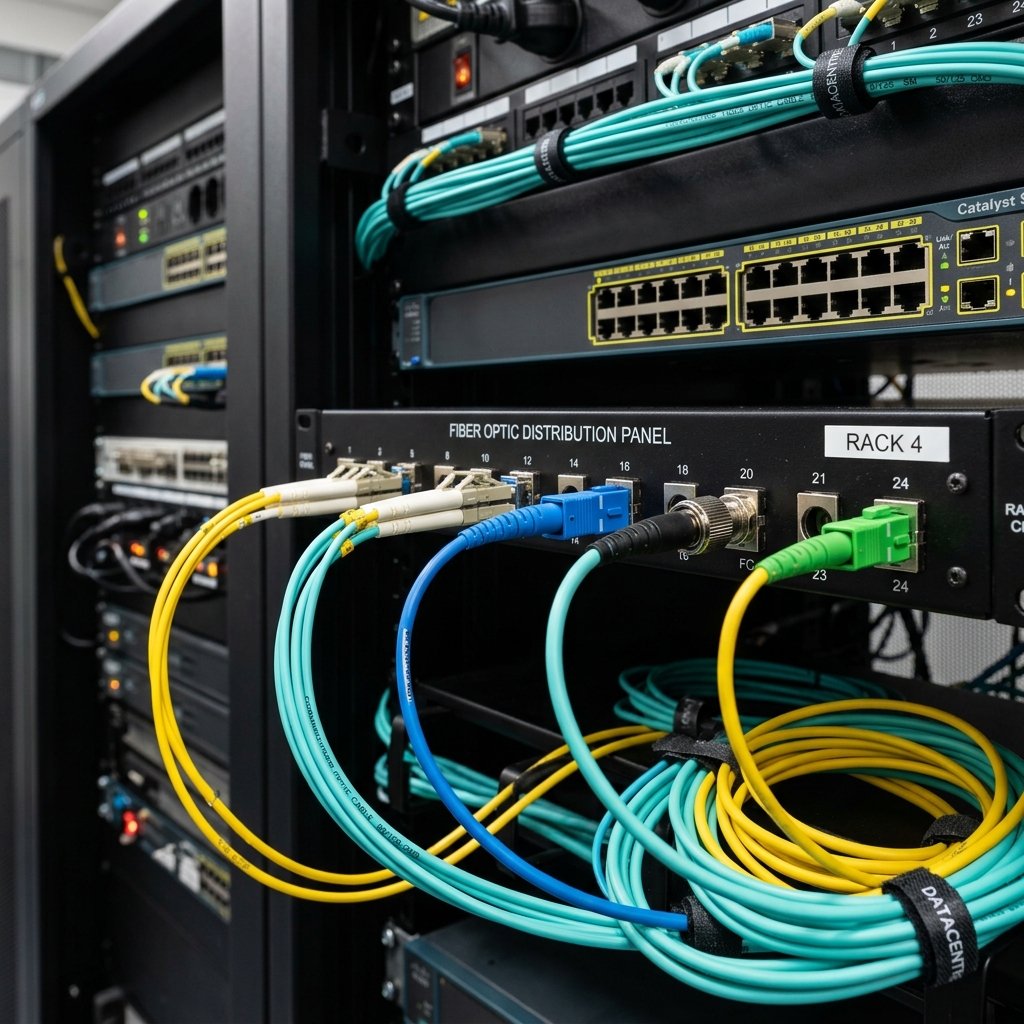
Types of Fiber Optic Cables: Single-Mode vs. Multi-Mode Explained
IntroductionFiber optic cables are the backbone of today's high-speed global internet. These cables ...
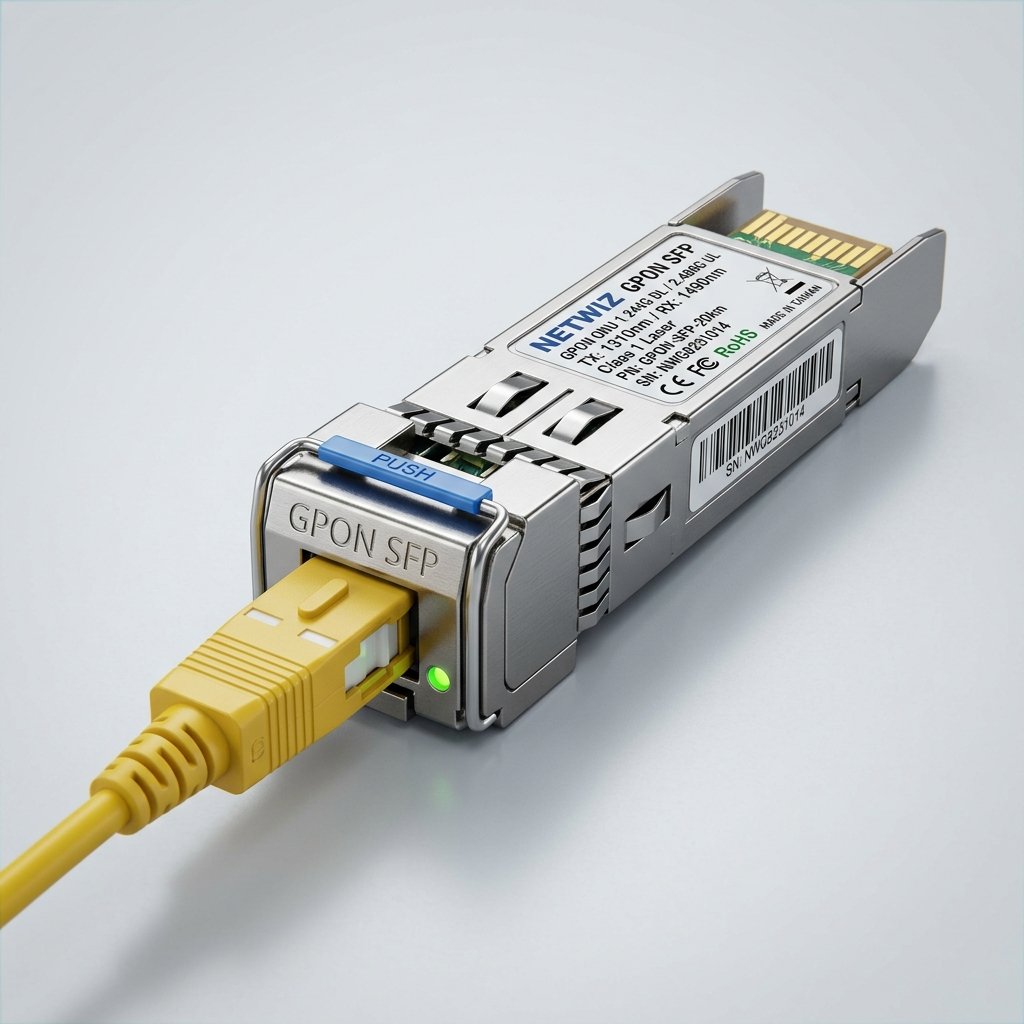
The Ultimate Guide to GBIC and SFP Transceiver Modules: What is the Difference?
IntroductionIn high-speed networking, transceiver modules such as GBIC and SFP are vital components ...
Understand All Your Network Metrics
To improve your browsing, video streaming, and gaming experiences, it is vital to understand the primary indicators shown in your test results:
Download Speed
The volume of data your connection can fetch from the internet per second, measured in Megabits per second (Mbps). This is the key metric for watching high-definition videos (4K streaming), browsing websites, downloading large files, and online gaming.
Upload Speed
The speed at which your device sends data to the internet. Crucial for clear video conferencing (Zoom, Teams), uploading media to social platforms like YouTube or Instagram, and saving backups to cloud storage.
Ping / Latency
The time required for a packet of data to travel from your device to the test server and back, measured in milliseconds (ms). A lower ping ensures a more responsive connection, which is extremely critical for online gaming and voice calls.
Jitter
Measures the consistency and stability of your latency (ping) over time. High jitter indicates an unstable connection, which can cause annoying lagging in voice applications and online games even if your overall speed is high.
Frequently Asked Questions About Internet Speed
Why does my speed test result differ from my ISP's advertised speed?
This discrepancy can be caused by various factors, including wireless (Wi-Fi) interference and physical obstacles, network congestion from other devices, background system updates, and regional server loads.
How can I get the most accurate speed test results?
For the most accurate result: connect your device directly to the router using a physical Ethernet cable, temporarily pause active downloads or streams on other devices, close unused browser tabs and background applications, and run the test close to your access point.
Does NetSpeedPro support mobile devices?
Yes, absolutely! The NetSpeedPro user interface is fully responsive and optimized to run flawlessly on all mobile web browsers (iOS and Android), letting you test 4G, 5G, LTE, and public/private Wi-Fi connections easily on the go.