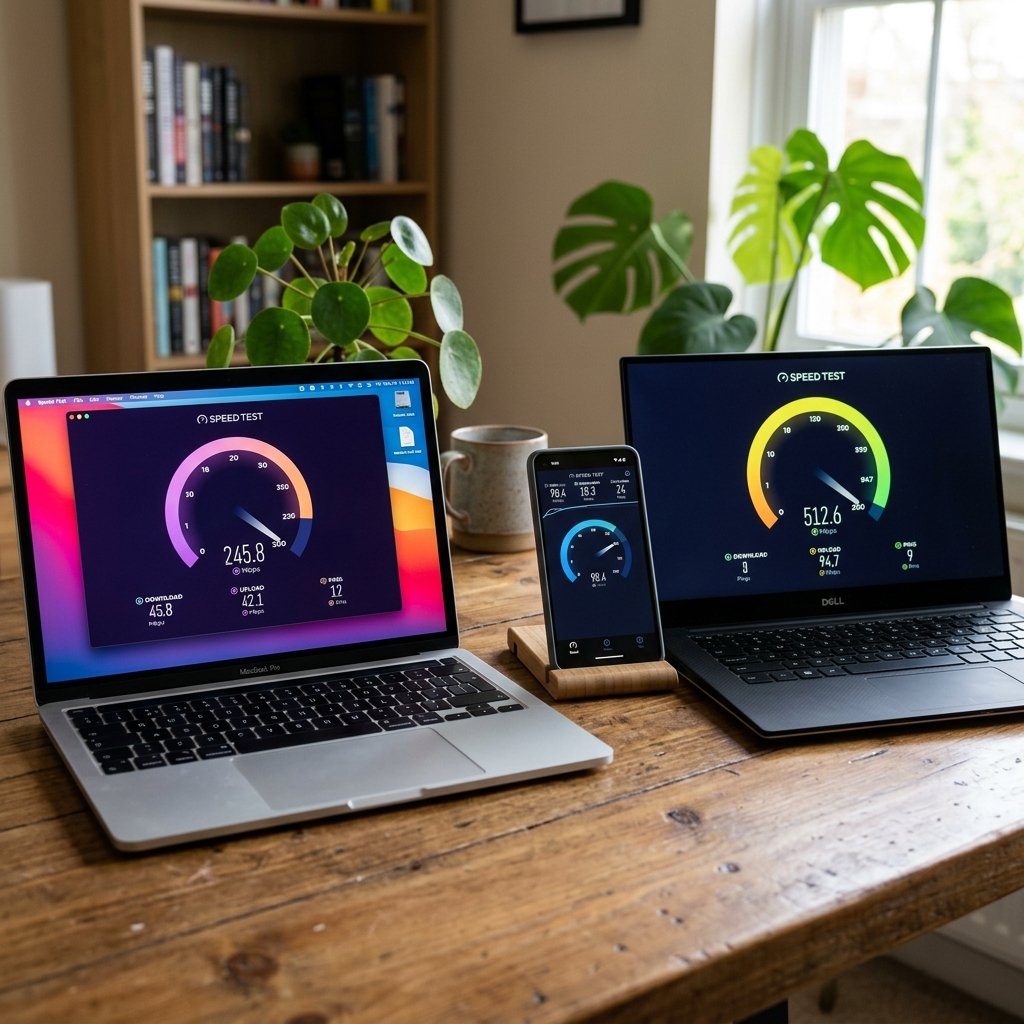
You pay for 100 Mbps, run a speed test and get 38. The first thought is that your provider is short-changing you. Sometimes that is true, but in a large share of cases the cause is inside your home, and no call to customer service will fix it.
These causes are ordered from most to least common, and each one comes with a simple way to tell whether it applies to you. Work through them in order and you will usually know where the problem is before you reach the end of the list.
1. You are measuring Wi-Fi, not the line
This alone explains most complaints. Wi-Fi is affected by distance, walls and neighbouring networks, and losing half the speed between the router's room and the bedroom is perfectly normal, especially in homes with thick concrete walls.
How to check: connect a laptop straight to the router with an Ethernet cable and test again. If the result jumps close to your plan, the line is fine and the wireless network is the problem. If you have no laptop with an Ethernet port, put your phone a metre from the router and connect to the 5 GHz network.
2. The device cannot go any faster
Wi-Fi chips in older phones and laptops have a ceiling. A device that only supports Wi-Fi 4 (802.11n) rarely exceeds 50–100 Mbps in practice, whatever the plan. On the wired side, some laptops and cheap routers have ports that only run at 100 Mbps.
Tell-tale sign: if your wired result always stops at 93 or 94 Mbps and never goes higher, a port or cable is almost certainly running at 100 Mbps. Try a cable marked Cat5e or Cat6, a different router port, and check the network adapter settings.
3. Other devices are using the line at the same time
Speed is shared by everyone in the house. A TV streaming 4K takes 15–25 Mbps, a game update on a console takes whatever it can get, and a phone uploading photos to the cloud uses up all of your upload.
How to check: open the router's admin page (usually 192.168.1.1 or 192.168.0.1) and look at the connected devices. Or simply take the other devices off Wi-Fi for two minutes and test again.
4. Peak hours
Your provider's network is like a motorway: wide open in the morning, jammed after dinner. If you get 95 Mbps at 10 am and 30 Mbps at 10 pm, the bottleneck is capacity in your provider's local network, not your line or your home.
How to check: test the same way (same device, same spot, wired if possible) three times a day for a week: morning, afternoon, and between 9 and 11 pm. The History page on this site saves the results automatically. A clear pattern is the strongest card you can hold when you complain.
5. The router is the ceiling
The router your provider handed you seven years ago with a 16 Mbps plan is not necessarily able to deliver 300 Mbps today. Its processor may not keep up, and its wireless radio may be several generations old.
How to check: if you upgraded your plan recently and the result did not change, ask your provider whether your current router supports the new speed. Many will replace it free on request.
6. The test server is far away or busy
A speed test measures the path between your device and one particular server. If that server is on another continent, the result will be lower and ping higher even on an excellent line. That is why different speed test sites disagree.
How to check: pick the nearest server manually from the server list and compare. More importantly, when tracking your line over several days, use the same server every time so the comparison is fair.
7. A VPN or security software inspecting traffic
A VPN sends everything through an extra server, and security suites that "scan network traffic" pass your data through an extra layer. Both can cut the result substantially.
How to check: pause the VPN and any "web protection" feature temporarily, then test again.
8. Megabits versus megabytes
If the "slowness" you notice is a download manager showing 11 or 12 MB/s on a 100 Mbps plan, that is not slow at all. Software shows megabytes per second (MB/s) while providers sell megabits per second (Mbps), and there is a factor of eight between them. We cover this in detail in our article on Mbps and MB/s.
9. A genuine fault on the line
If you have ruled out everything above and the result, on a cable, from a modern device, in the morning, is still far below the plan, the problem is most likely on your provider's side: a long or damaged copper line on ADSL and VDSL, a cable or connector fault on fibre, or congestion at the exchange.
Other signs that point this way: the internet dropping for a few seconds at a time, packet loss above zero in the speed test, or the DSL or PON light on the modem blinking instead of staying solid.
What percentage of the plan is "normal"?
There is no single agreed figure, but in practice: on a cable, getting 85–95% of the plan is good, because part of the capacity goes to protocol overhead. On Wi-Fi, 50–70% in a room other than the router's is common and does not necessarily mean anything is wrong. Check your contract too: some providers state clearly that the speed is "up to" the advertised figure, while others promise a guaranteed minimum.